Previously, designers often faced problems with incompatibility of different design tools, which made the data transmission between different programs nearly impossible. Any additions to the design plan increased the size of both the design object and the file exponentially and slowed the design process down. This is all history now. The new function of Vent.X is revolutionary in its field as it does not expand the file size substantially.
How does it work?
Saving in Vent.X is done with the help of a link that includes parameters and can be added wherever text or hyperlink can be inserted regardless of the device or platform. You can also store data directly from the selection tools available on our homepage.
After modelling a throw pattern, scroll up and select Save. A field appears next to the button, where you can name your creation, after which click Start upload.

You can drag and drop the saved item onto your desktop or into a desired file, creating a quick link that enables you to get straight back to Vent.X view of your selected device with the chosen parameters.
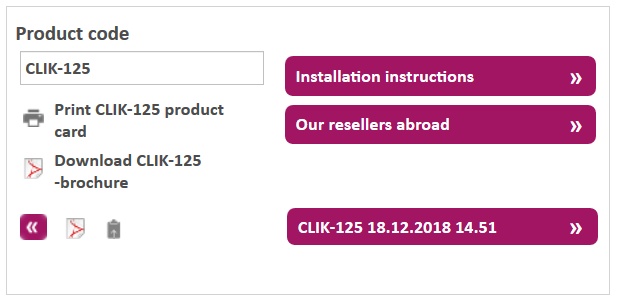
Another way is to click on the flip chart icon and wait for “Copied” notification and the hyper link to your device becomes available on your clip board. You can then paste the device along with it’s parameters onto an Excel sheet or straight into the modelling software of your choice by inserting an object with a hyper link directing to the device you have just modeled.
The link can be shared with your client or others working on the project. You can also get a PDF-file of the device that includes product info, your chosen parameters and the throw pattern you have just created.
”As usual, we have developed this function in designers’ terms and in co-operation with experts in the field”, our Design Program Specialist, Antti Rytivaara, describes. We have utilized our experience from AutoCAD plugins in using parameters when transforming devices in between systems. Also, our long and intense co-operation with MagiCAD has helped us gain a comprehensive understanding of how the parametrization can best be done.