3 Power-user features in Vent.X

We strive to ensure that HVAC designers find suitable and reliable ventilation solutions for their projects with our tools. Below we introducethree functions that anyone can use to take air terminal device design to a new level on Vent.X.

1. Structural beams

The beams affect the throw patterns of the air terminal devices. Especially in renovation projects, the location of the terminals cannot always be influenced. Considering the effects of the structures is really important in order to avoid the feeling of draught. By designing throw patterns while taking into consideration the obstacles in the room, one can effortlessly determine whether the correct terminal has been selected for the space and whether its location is suitable.
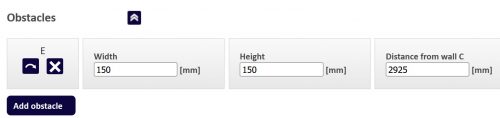
 

In throw pattern modeling view, Vent.X has an “Obstacles” section. “Add Obstacle” button creates a bar. The width, height, and position of the bar can then be changed. If necessary, several bars can be added using the “Add Obstacle” button.

2. Terminal positioning buttons

To speed up the design work, the selection program has buttons for positioning the terminals. The program places the terminals in the room symmetrically in relation to each other and to the space. This gives the designer terminal locations – fast!
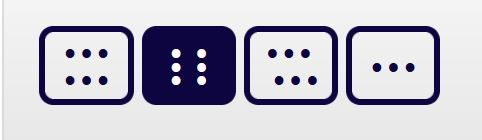
When the room contains more than one device of the same kind, radio buttons appear at the bottom of “Diffuser” tab. You can select different device layouts from the buttons as needed.

3. Optimize air flow

Sometimes dimensioning airflows at desired temperatures and for a specific size of a room can require complex calculations. Airflow optimizing becomes handy when the throw pattern is required to come down to the floor-level or at the edge of the occupied zone.
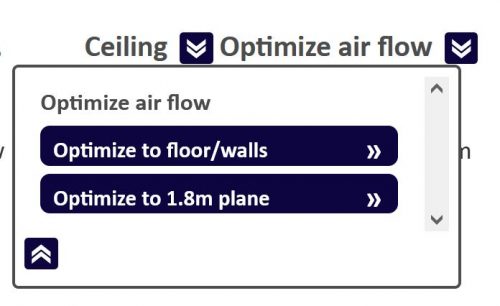
From the top of the simulation screen, the airflow optimization can be selected either to the floor, wall, or 1.8 m level, which marks the occupied zone. Parameters such as room dimensions, supply air and room temperatures, as well as the location of the terminals can be changed. The effects of changes to the throw pattern can be quickly assessed on the program.
Go try Vent.X

News

Snow separation and ventilation reliability: why air intake face velocity matters?

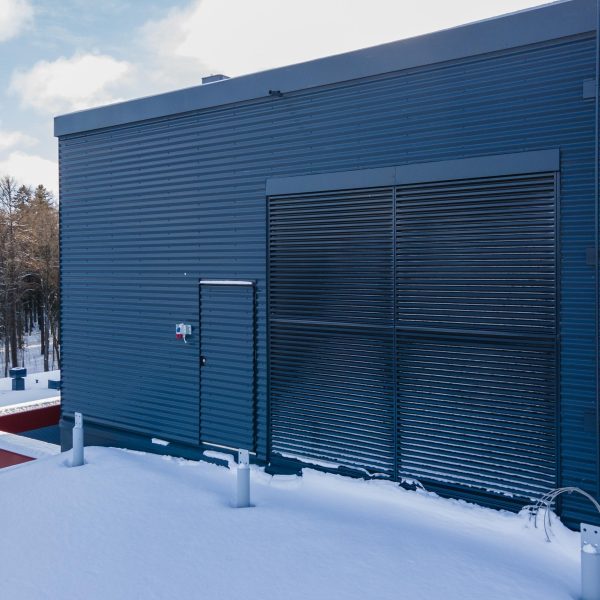
The snow separation performance of TUISKU snow and rain louvres was tested at an accredited Eurofins laboratory under simulated winter conditions. Different snow types, wind speeds and airflow conditions were used to assess performance in realistic operating environments.

Read more

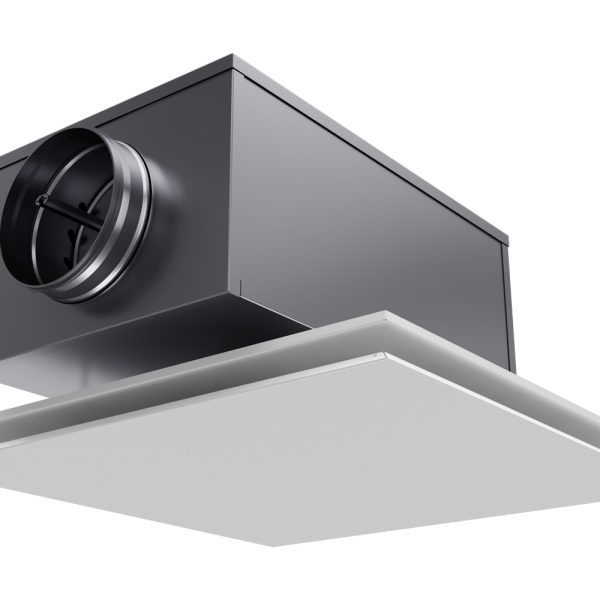
A measurement and balancing professional explains: 3 reasons to choose the FLO plenum box

In ventilation measurement and balancing, products need to work accurately and be easy to use. Adjustments should be straightforward, measurements reliable, and products suitable for different site conditions. Juho Hesso of LVI Oy Hesso Group has ten years of experience in measurement and balancing. He knows what professionals need from a product. What he particularly appreciates about the FLO plenum box is its practical, user-focused design. When a product works as it should and is easy to use, work on site runs more smoothly and efficiently.

Read more

Boost efficiency in BricsCAD: new plugin integrates Tuisku.X and Huuva.X directly into the MagiCAD design environment

Climecon has launched a new BricsCAD plugin that integrates the Tuisku.X and Huuva.X selection tools directly into the MagiCAD design environment. HVAC designers often work across multiple systems and transfer data between different software applications. With the new plugin, designers can complete product selection, data management, and modeling within a single environment, reducing manual work and improving design efficiency.

Read more